

Secure Payments

Fast Delivery

Global Warranty

Customer Support
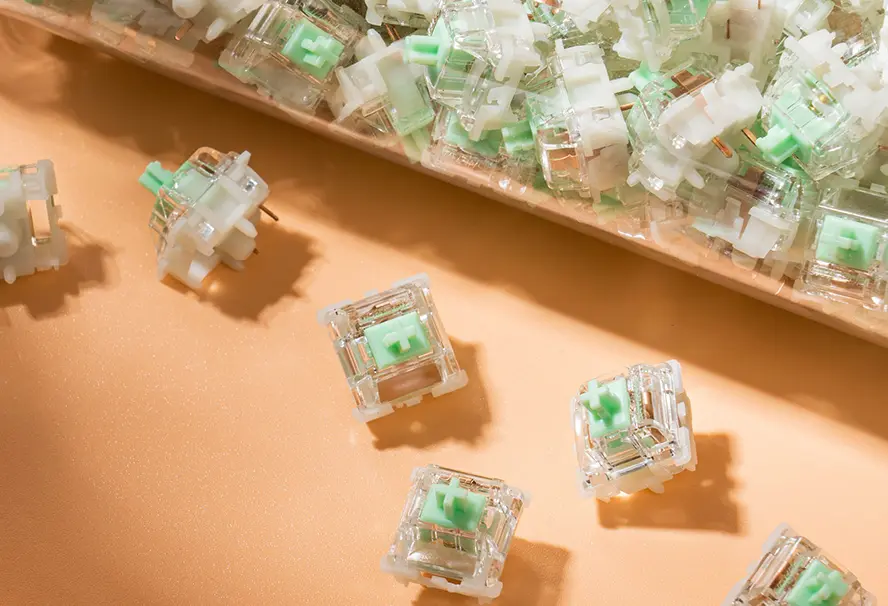
Gateron Baby Kangaroo 2.0 Mechanical Switch
-
Tactile Thocky Feel:
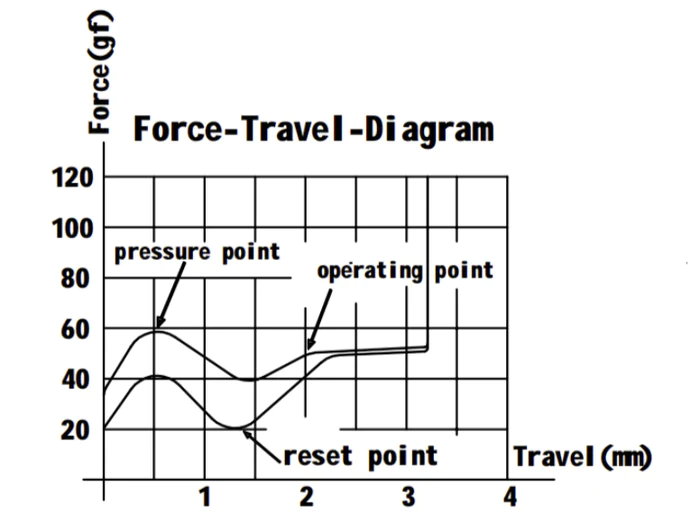
50gf operating force and 59±8gf bottom-out create a lively tactile bump with a fuller thocky sound. -
Shorter Responsive Travel:
2.0±0.5mm pre-travel and 3.4mm max total travel help each press feel quick and controlled. -
Factory-Lubed Build:
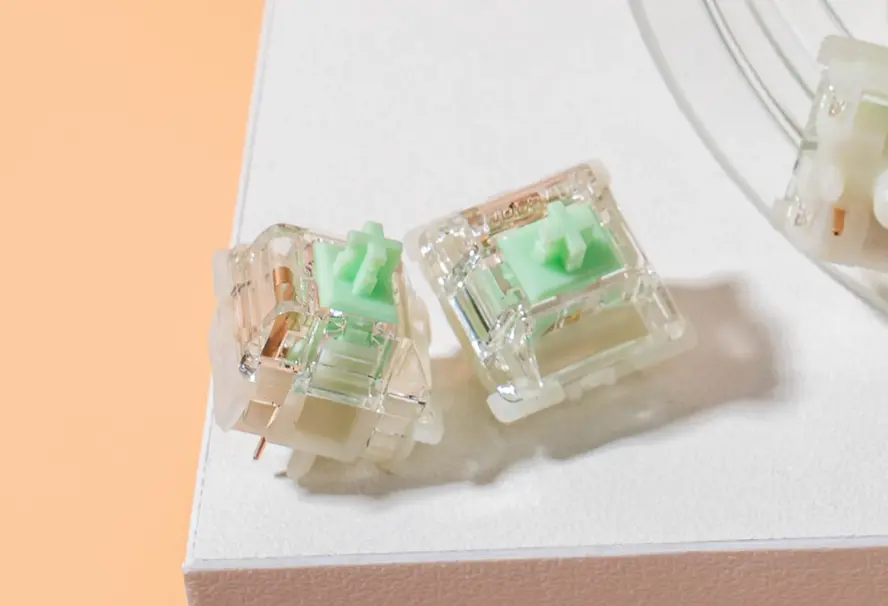
Pre-lubed POM stem, PC top housing, and nylon bottom housing support smoother out-of-box typing. -
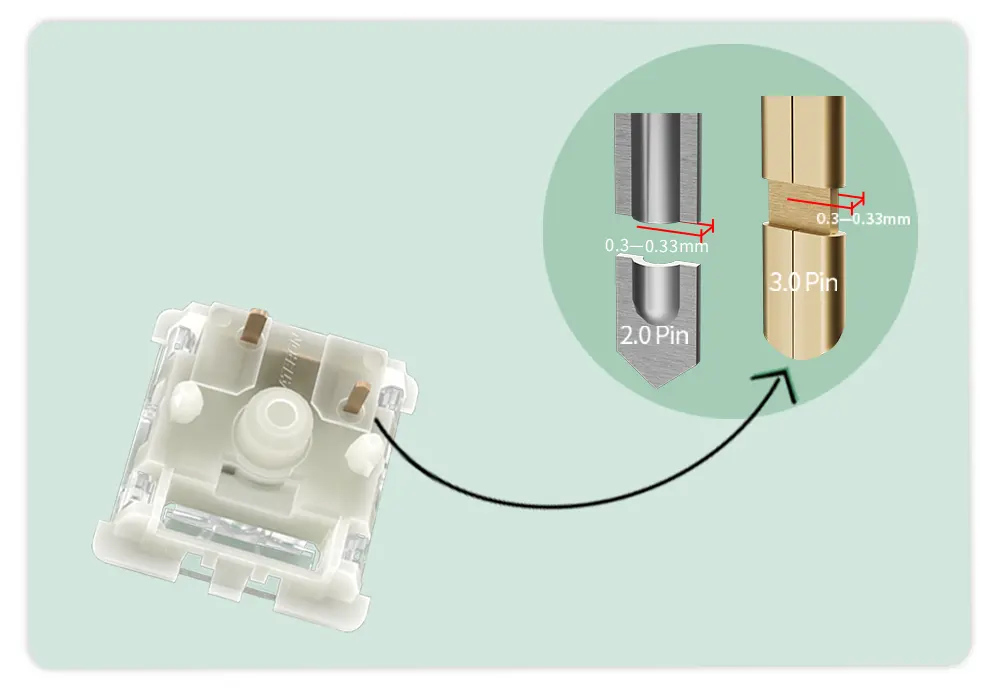
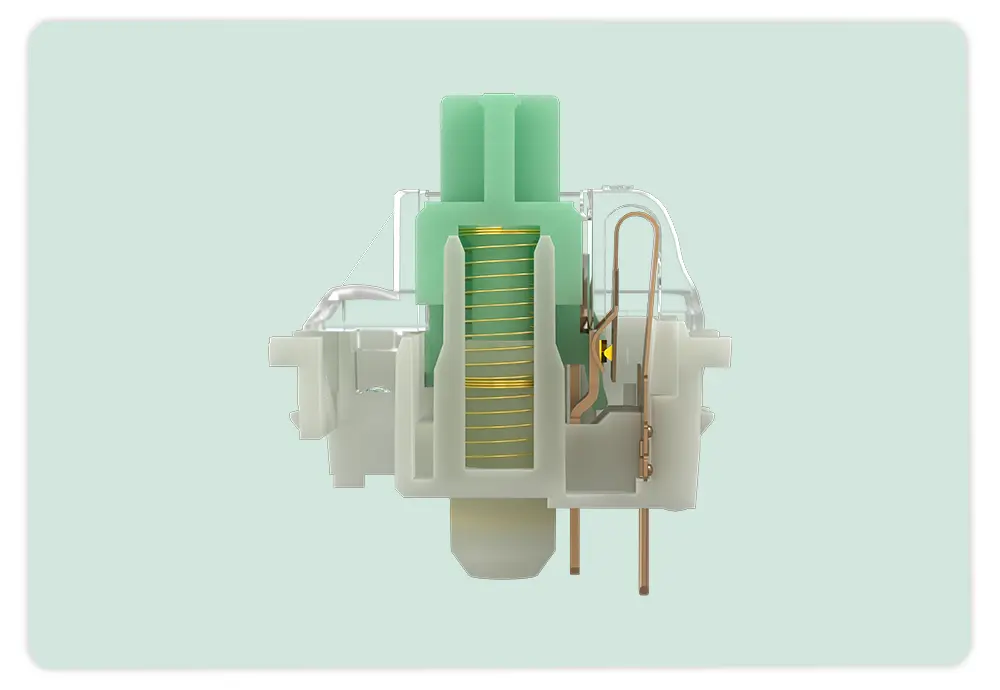
Stable 5-Pin Mounting:
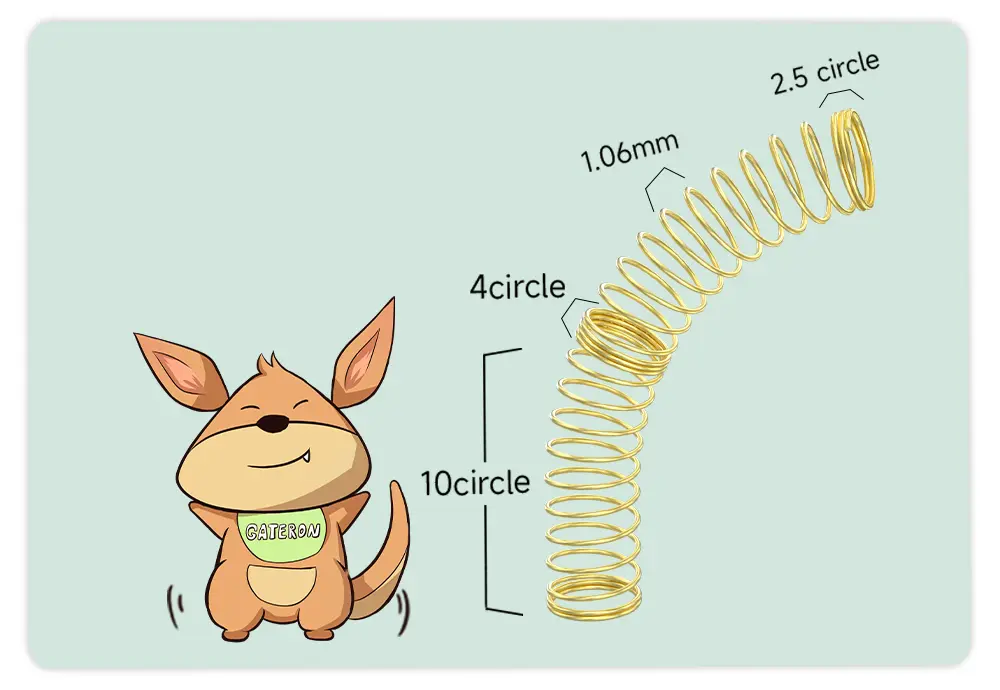
5-pin MX-style structure and 22mm double-stage gold-plated spring improve rebound and switch consistency. -
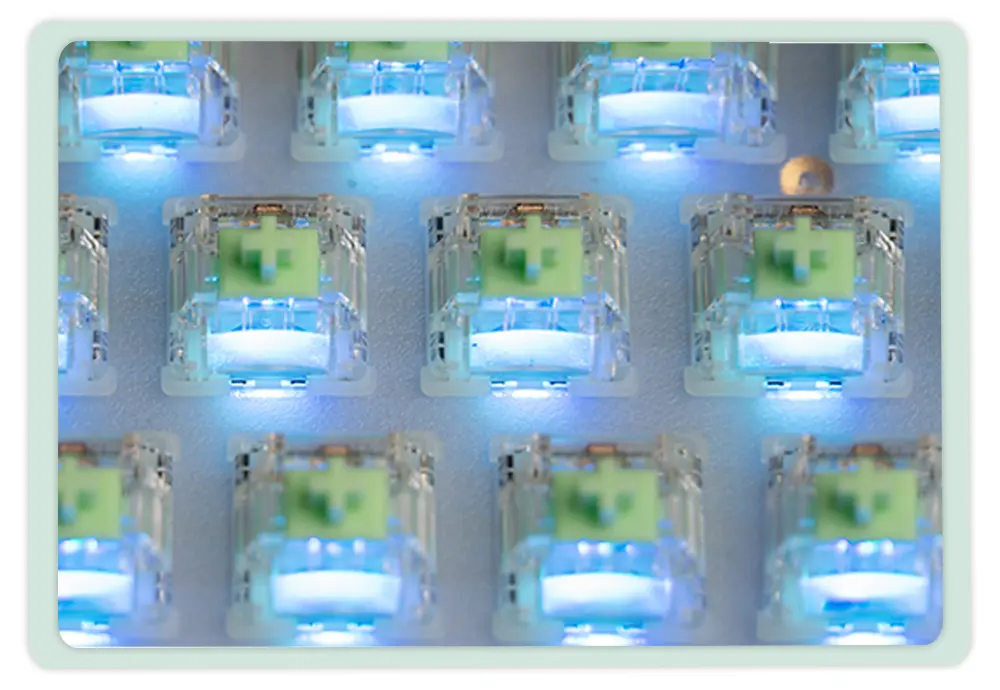
SMD RGB & Longevity:
SMD light support and up to 80 million keystrokes fit custom mechanical keyboard builds.
Setup 1
Setup 2
Setup 3

24H Mart Cherry Profile Keycap Set
$33.00

Dunhuang Cherry Profile Keycap Set
$33.00

Minimal Play Cherry Profile Keycap Set
$33.00

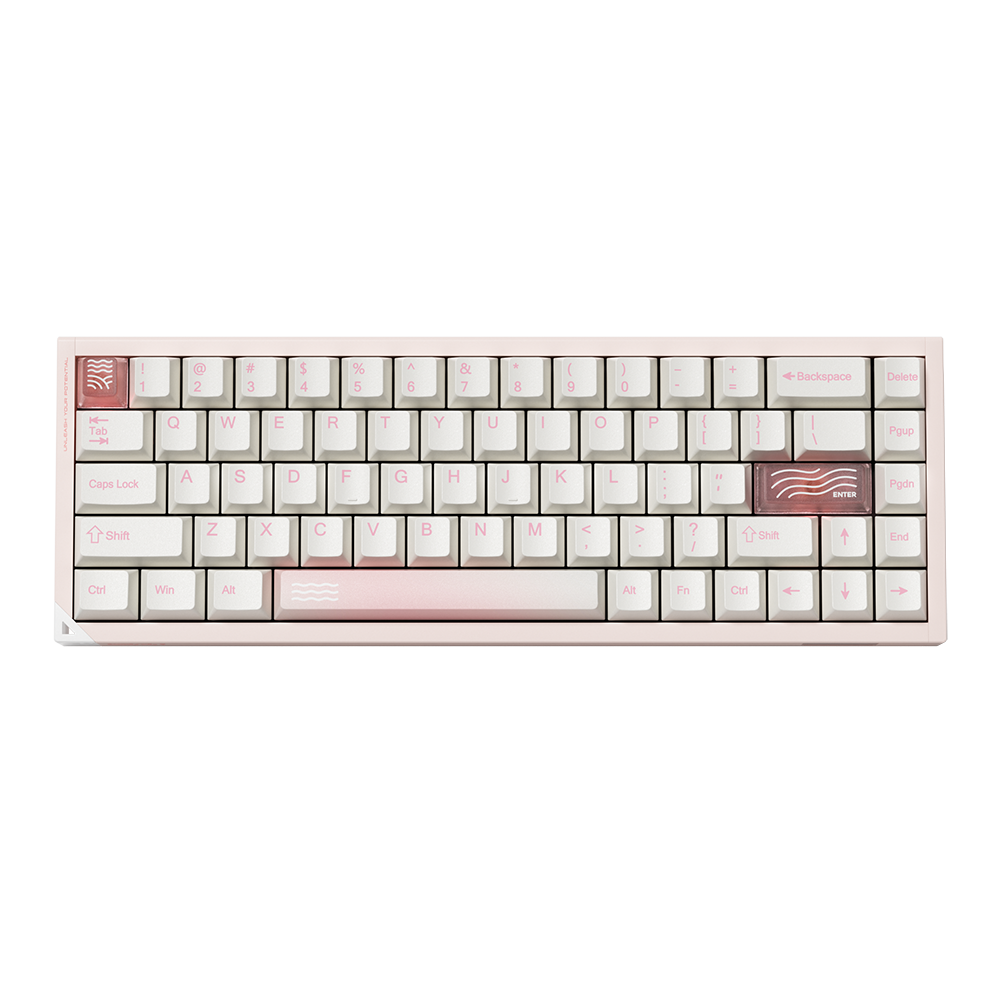
PIIFOX LUNA Muse65 Pro Mechanical Keyboard
White / PIIFOX Jade Peak

PIIFOX LUNA Muse75 Pro Mechanical Keyboard
White / PIIFOX Jade Peak

PIIFOX LUNA Grid98 Mechanical Keyboard
Standard / White / PIIFOX Jade Peak

Keycap & Switch Pullers
Default

PIIFOX Project Wander Desk Mat
Default

PIIFOX Stellar Voyage Desk Mat
Default
Key Features

Shipping & Warranty Policy
Shipping for US orders: Standard delivery is estimated at 7-12 business days, and express delivery is estimated at 3-7 business days. Orders are typically processed and dispatched within 1-3 business days. For other destinations, please see our Shipping Policy. Customers are responsible for customs fees.
Warranty: 12-month warranty for keyboards, kits, switches, keycaps, and mice; 3-month for batteries. Free accessories are not covered. Damage from unauthorized mods or improper charging (e.g., fast chargers) voids the warranty.
Warranty: 12-month warranty for keyboards, kits, switches, keycaps, and mice; 3-month for batteries. Free accessories are not covered. Damage from unauthorized mods or improper charging (e.g., fast chargers) voids the warranty.

Contact Support
Need help? Contact us at service@piifox.com. We typically respond within 24-48 business hours.
To speed up the process, please include your order number, product model, and a short video or photo of the issue in your email.
To speed up the process, please include your order number, product model, and a short video or photo of the issue in your email.
Shipping & Warranty Policy
Shipping for US orders: Standard delivery is estimated at 7-12 business days, and express delivery is estimated at 3-7 business days. Orders are typically processed and dispatched within 1-3 business days. For other destinations, please see our Shipping Policy. Customers are responsible for customs fees.
Warranty: 12-month warranty for keyboards, kits, switches, keycaps, and mice; 3-month for batteries. Free accessories are not covered. Damage from unauthorized mods or improper charging (e.g., fast chargers) voids the warranty.
Warranty: 12-month warranty for keyboards, kits, switches, keycaps, and mice; 3-month for batteries. Free accessories are not covered. Damage from unauthorized mods or improper charging (e.g., fast chargers) voids the warranty.
Contact Support
Need help? Contact us at service@piifox.com. We typically respond within 24-48 business hours.
To speed up the process, please include your order number, product model, and a short video or photo of the issue in your email.
To speed up the process, please include your order number, product model, and a short video or photo of the issue in your email.
Secure Payments
Fast Delivery
Global Warranty
Customer Support