
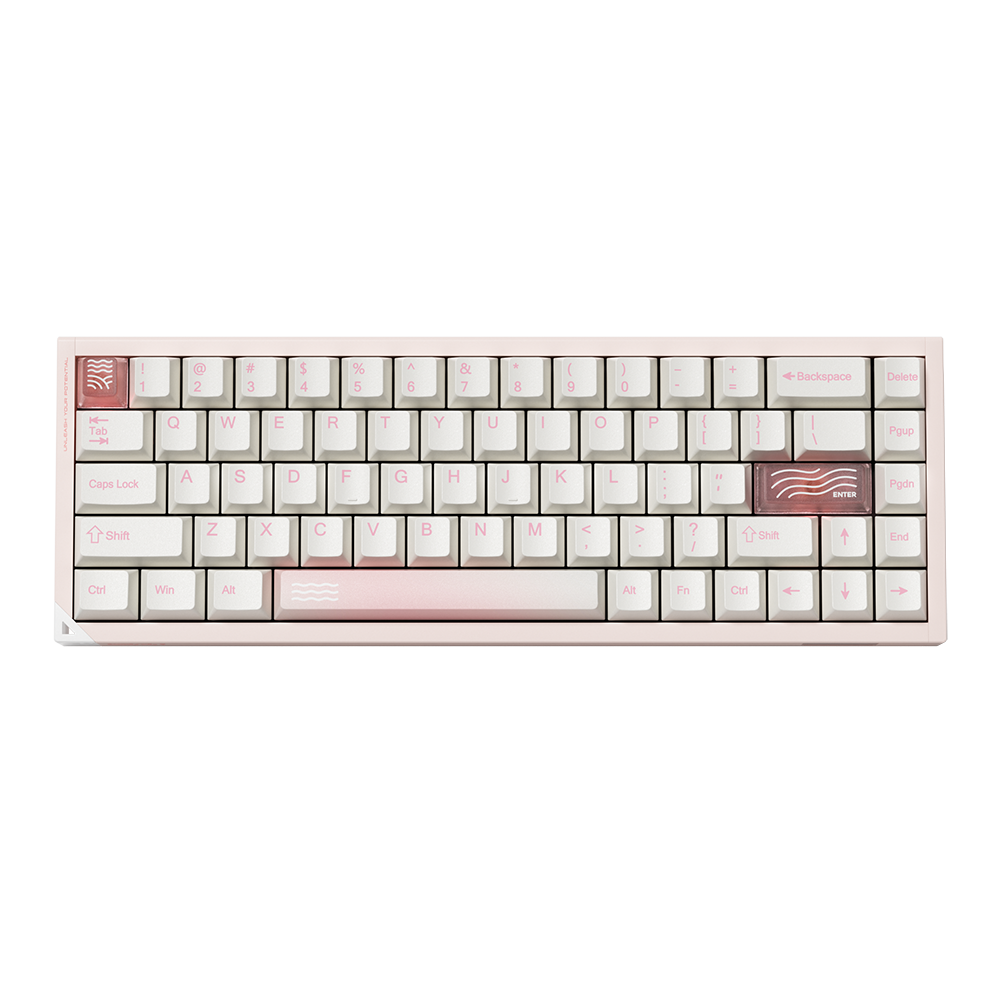


For many mechanical keyboard lovers, a keyboard isn't just a tool—it's a canvas for personal expression and acoustic perfection. If you've already mastered the basics, it’s time to talk about "tuning" your board for that ultimate premium typing experience.
The pursuit of the perfect keyboard often revolves around sound and feel. You might have heard enthusiasts on Reddit or YouTube talking about a keyboard sounding "Thocky" (deep, rich, and marble-like) or "Clacky" (crisp, sharp, and bright). Achieving these sound profiles doesn't require spending hundreds of dollars on custom CNC aluminum kits anymore.
With a hot-swappable keyboard like your PIIFOX, you already have the perfect foundation. Today, we’re sharing an advanced guide on how to safely mod, tune, and personalize your keyboard to match your exact typing aesthetic.
1. Switch Lubing: The Soul of Silky Smooth Typing
If your switches feel scratchy or have a slight spring "ping" noise when pressed, switch lubing is the ultimate fix. While many modern switches come "pre-lubed" from the factory, doing it yourself manually allows you to fine-tune the exact smoothness and sound pitch of your keyboard.
What you need: Krytox 205g (the gold standard lubricant), a switch opener, a small fine-tip brush, and a switch puller.
- Step 1: Open the Switch. Use your switch puller to safely remove the switch from your PIIFOX hot-swap PCB, then pop it open using a standard switch opener to separate the stem, housing, and spring.
- Step 2: Lube the Stem & Housing. Apply a microscopic layer of Krytox 205g to the rails of the lower housing and the sliders of the stem. Remember: less is more. Over-lubing will make your switch feel mushy.
-
Step 3: Lube the Spring. Lightly coat the top and bottom of the spring to eliminate any metallic ping sounds when typing.

2. Stabilizer Tuning: Eliminating the Dreaded Rattle
Have you ever noticed that your spacebar, enter, or backspace keys rattle or wobble more than your normal letter keys? That’s caused by the metal wire inside the stabilizers hitting the plastic housing.
Tuning your stabilizers is the single most impactful mod you can do to make a pre-built keyboard sound like a $500 custom masterpiece.
The Advanced "Holee Mod":
- Remove the stabilizer from the plate.
- Cut a tiny strip of medical grade band-aid or cloth tape.
- Thread it inside the stabilizer slider hole where the wire rests. This creates a soft cushion that completely dampens the harsh plastic-on-metal rattle.
- Apply a thicker grease (like Permatex Dielectric Grease or Krytox XHT-BDZ) directly onto the tips of the metal stabilizer wire before reassembling.

3. Maximizing the Acoustic Packaging: Tape Mod & Foam Tuning
At PIIFOX, we build our keyboards with an intentional "fully loaded sound package" including premium Gasket structures, PORON sandwich foam, and IXPE switch pads. This setup is masterfully tuned out-of-the-box to absorb hollow case echo and deliver clean, crisp acoustics.
However, if you want to alter the sound signature even further, you can try the famous Tape Mod (Tempest Mod):
⚠️ Enthusiast-Friendly Modding Reminder
We are keyboard enthusiasts ourselves and fully support personalizing your desk setup. Swapping switches or changing keycaps on your PIIFOX board will never void your warranty. However, if you choose to open up the case for internal acoustic mods, please use non-conductive materials and avoid forcing any internal ribbon cables to prevent hardware damage.
Applying 1 to 2 layers of standard blue painter’s masking tape directly to the back of your keyboard’s PCB acts as a low-pass filter. It reflects high-frequency vibrations back into the switches, transforming a bright "clack" into a deep, poppy, marble-like "thock."
4. Personal Expression Through Keycaps: Sculpting Sound & Aesthetics
Never underestimate how much a keycap changes your setup. Beyond the visual style, the physical profile of your keycaps shapes your acoustic output:
- Cherry Profile: Lower height, sculpted rows. Provides an ergonomic typing posture and a balanced, crisp sound profile.
- ASA / SA Profile: Taller, spherical tops. Because they contain a larger hollow chamber inside each keycap, they naturally resonate with a deeper, lower-pitched acoustic "thock."
This is why PIIFOX insists on ultra-durable, high-content PBT material for all our custom sets. Our dye-sublimated designs offer a beautiful matte texture that prevents finger grease shine while maintaining consistent acoustics over years of heavy use.
Conclusion: Tuned for Feel, Made for Flow
The beauty of a modern mechanical keyboard setup is that you don't have to settle for standard configurations. Whether you prefer a completely silent linear experience or a deep acoustic resonance, your keyboard should match your personal rhythm.
Take it one step at a time: swap a few switches, try out a new keycap theme, and build a desktop space that feels uniquely yours.
Ready to Customize Your Typing Journey?
Explore our premium collection of hot-swappable DIY kits, durable custom PBT keycaps, and enthusiast gear designed to elevate your everyday desk flow.
EXPLORE PIIFOX CUSTOM GEAR


